Screen Records
A native Mac screen recorder and editor that Claude, ChatGPT/Codex or Cursor can edit over MCP, on your own subscription.
About Screen Records
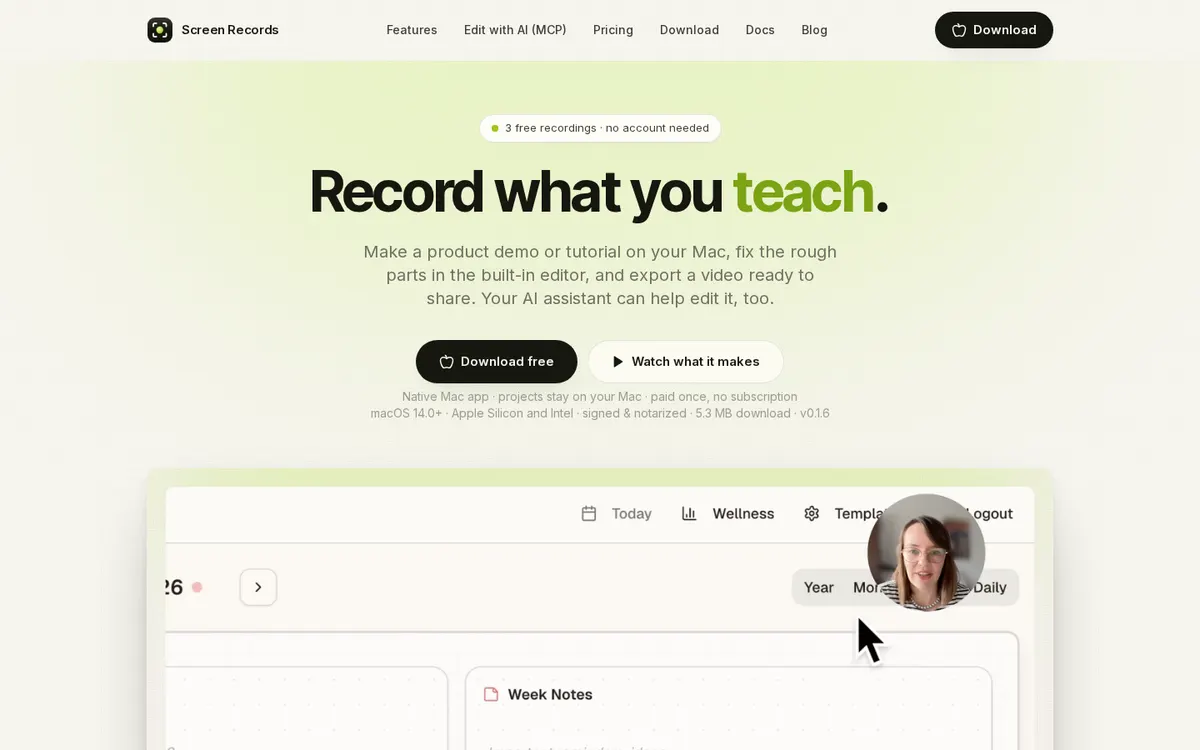
Screen Records is a native Mac app for product demos and tutorials: record screen, camera and audio on separate tracks, fix the rough parts on the timeline, add captions made on your Mac, zooms that follow clicks and text on top, then export MP4, GIF, audio or captions. It has an MCP server built in, so Claude, ChatGPT, Codex, Cursor or another MCP client can cut, zoom, caption and export your project in plain words, on your own subscription to them.
Can you use your ChatGPT plan in Screen Records?
Yes. Your ChatGPT subscription, through ChatGPT or Codex over MCP. Screen Records's own page says: "Claude, ChatGPT, Codex, Cursor or any other MCP client can open your project and cut, zoom, caption and export it, on your own subscription to them."
How to connect your plan
Claude Pro or Max
- In Screen Records, open Settings → AI and turn on "Let AI tools edit projects".
- Copy the command from the Claude Code tab, paste it in Terminal and press Return. For Claude Desktop, run its tab's command, then quit and reopen Claude.
- Ask Claude for the edit; it runs on your own Claude subscription.
ChatGPT Plus or Pro
- In Screen Records, open Settings → AI and turn on "Let AI tools edit projects".
- Copy the command from the ChatGPT / Codex tab and run it in Terminal.
- Ask for the edit; it runs on your own ChatGPT subscription.
Cursor
- In Screen Records, open Settings → AI and turn on "Let AI tools edit projects".
- Pick the Cursor tab: Cursor opens its MCP screen with the server filled in. Click Install.
- Ask for the edit; it runs on your own Cursor subscription.