Rundock
An AI team workspace for people running their own business, on your Claude Pro or Max plan, with ChatGPT plan specialists on Codex.
About Rundock
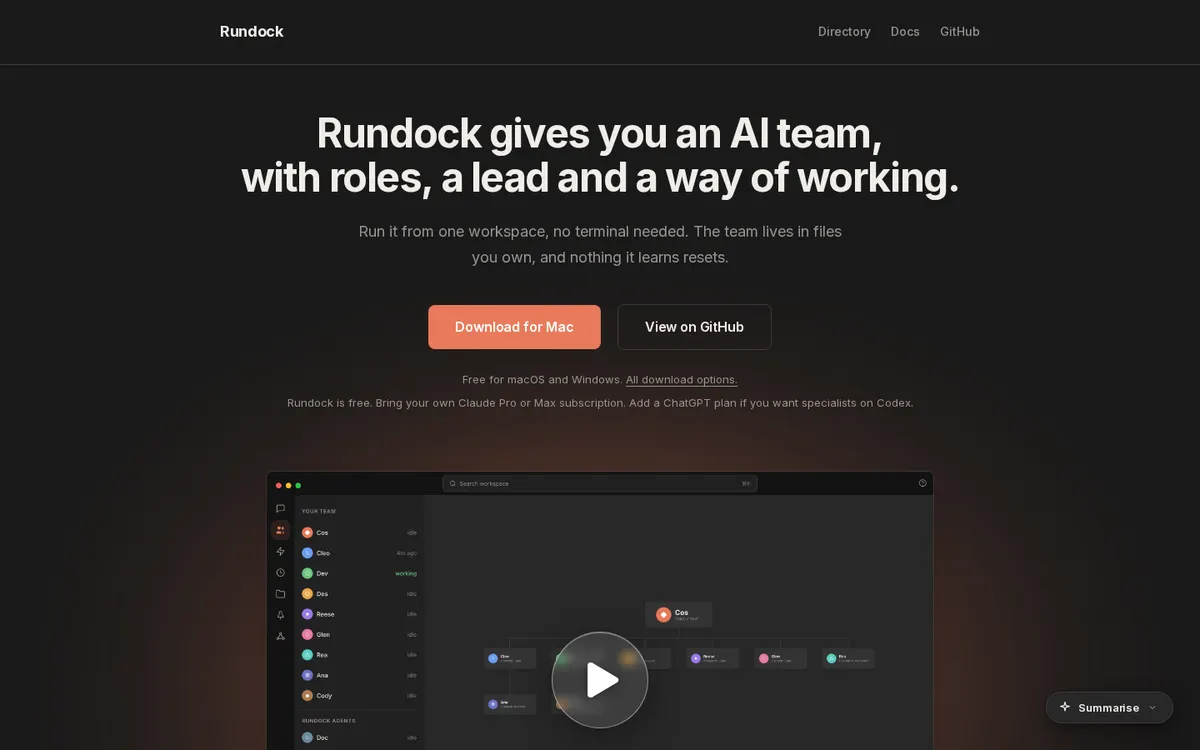
Rundock gives a solo business owner an AI team with roles, a lead and a way of working: an org chart of named specialists for content, ops, sales, admin and research, run from one desktop workspace with no terminal. The team lives in files you own, so what it learns carries forward; you can comment on any passage an agent wrote, search everything, and open Obsidian Kanban boards as columns. Rundock is free, runs on Claude Code with your own Claude Pro or Max subscription, and specialists can run on a ChatGPT plan via the official Codex CLI.
Can you use your ChatGPT plan in Rundock?
Yes. Your ChatGPT plan, through the official Codex CLI, for specialist agents (optional). Rundock's own page says: "Bring your own Claude Pro or Max subscription."
How to connect your plan
Claude Pro or Max
- Download Rundock for Mac or Windows and open it.
- Let the setup wizard install Claude Code (or install it yourself) and sign in with your Claude Pro or Max subscription.
- Point Rundock at a folder to use as your workspace.
ChatGPT Plus or Pro
- Set Rundock up with Claude Code first; it is required.
- Install the official Codex CLI and sign in with your ChatGPT plan.
- Run specialist agents on Codex from the same workspace.