Marinara Engine
A local AI chat, roleplay and game engine that can run on your Claude Pro or Max plan or your ChatGPT account through Codex.
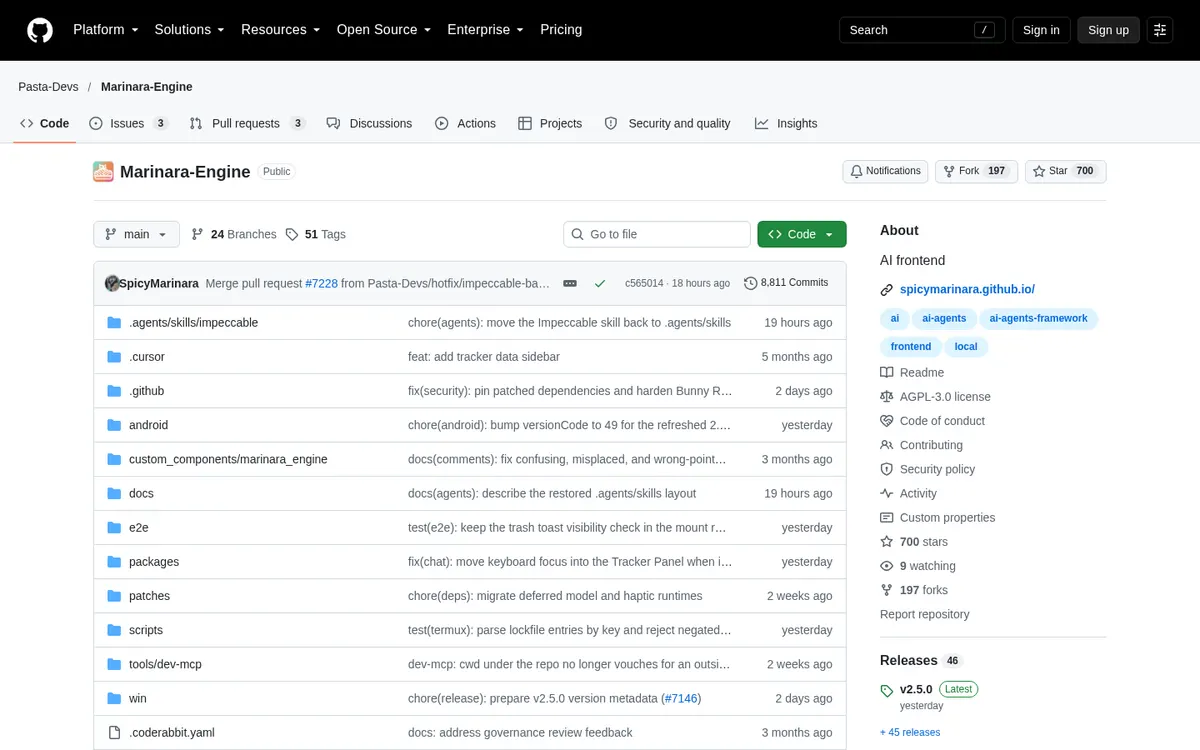
About Marinara Engine
Marinara Engine is a free, local, AI-powered chat, roleplay and game engine that you install and run on your own computer. You chat with characters, have them create scenes and play games, with many model providers to choose from. Instead of an API key, you can sign in with your Claude Pro or Max plan, or your ChatGPT account through Codex, once on the computer that runs it.
Can you use your ChatGPT plan in Marinara Engine?
Yes. Your ChatGPT account, through Codex. Marinara Engine's own page says: "Subscription logins: use your Claude Pro or Max plan, your ChatGPT account (through Codex), or SuperGrok / X Premium+ (through the Grok CLI) instead of an API key."
How to connect your plan
Claude Pro or Max
- On the machine running Marinara, install Claude Code:
npm i -g @anthropic-ai/claude-code. - Sign in once with
claude auth login. - In Marinara, open Connections, click New and pick the Claude (Subscription) provider; no API key is needed.
- Choose a Claude model, click Save, then Send Test Message.
ChatGPT Plus or Pro
- On the machine running Marinara, install Codex:
npm i -g @openai/codex. - Sign in once with
codex login. - In Marinara, open Connections, click New and pick the OpenAI (ChatGPT) provider.
- Choose a model, click Save, then Send Test Message.