Torque
A local agent-orchestration workspace over Claude Code and Codex, where all the work runs on your existing subscription plans.
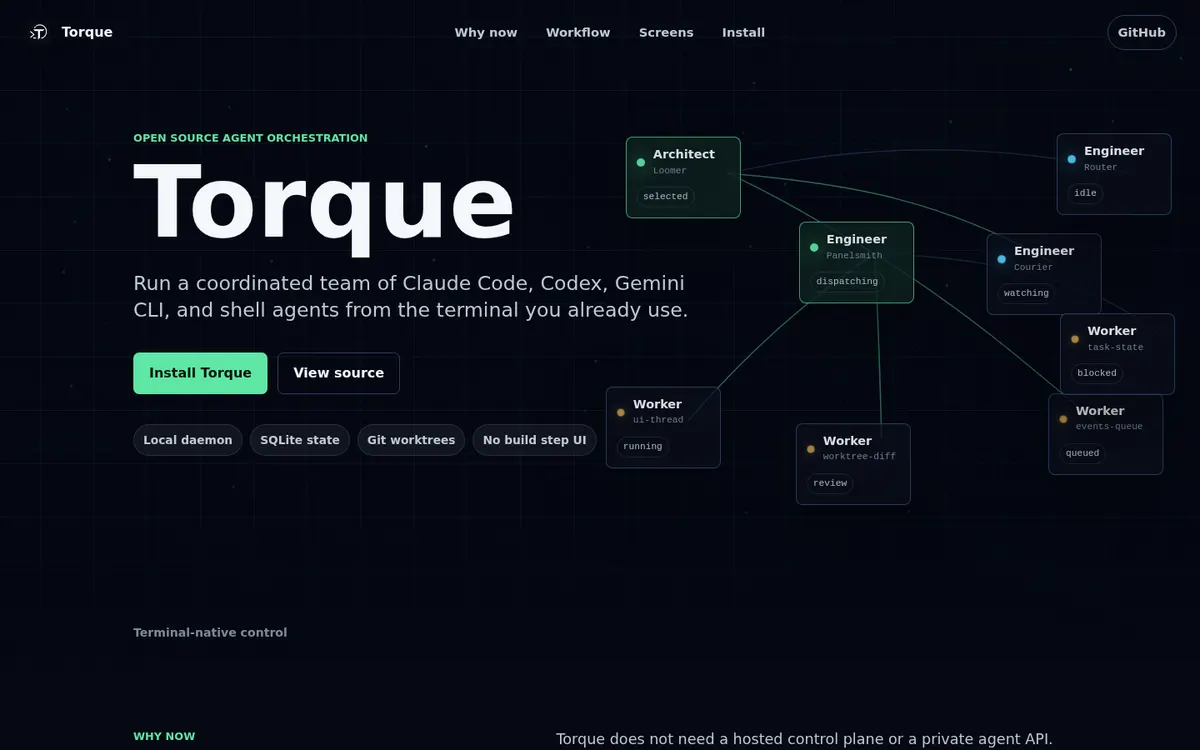
About Torque
Torque is a local workspace for orchestrating coding agents: chat with an architect agent that plans the work, run agents in isolated git worktrees, dispatch from a kanban board with review gates and watch tasks ship, from a desktop window or your browser. It is a harness over the Claude Code and Codex CLIs, so all the work runs through your existing Claude and Codex subscription plans.
Can you use your ChatGPT plan in Torque?
Yes. Your ChatGPT subscription plan, through Codex. Torque's own page says: "Because Torque is a harness over the CLIs you already use, all the work runs through your existing Claude and Codex subscription plans."
How to connect your plan
Claude Pro or Max
- Install the Claude Code CLI on your PATH and authenticate it.
- Install and start Torque, then add a worker; Torque runs
claudein a managed session.
ChatGPT Plus or Pro
- Install the Codex CLI on your PATH and authenticate it.
- Install and start Torque, then set an agent's Provider to
codex(in the agent or Group, Agents settings) and add a worker.