Nojoin
Self-hosted meeting transcription and notes, with no bot in the call, that can route its AI through your own Claude or ChatGPT subscription.
About Nojoin
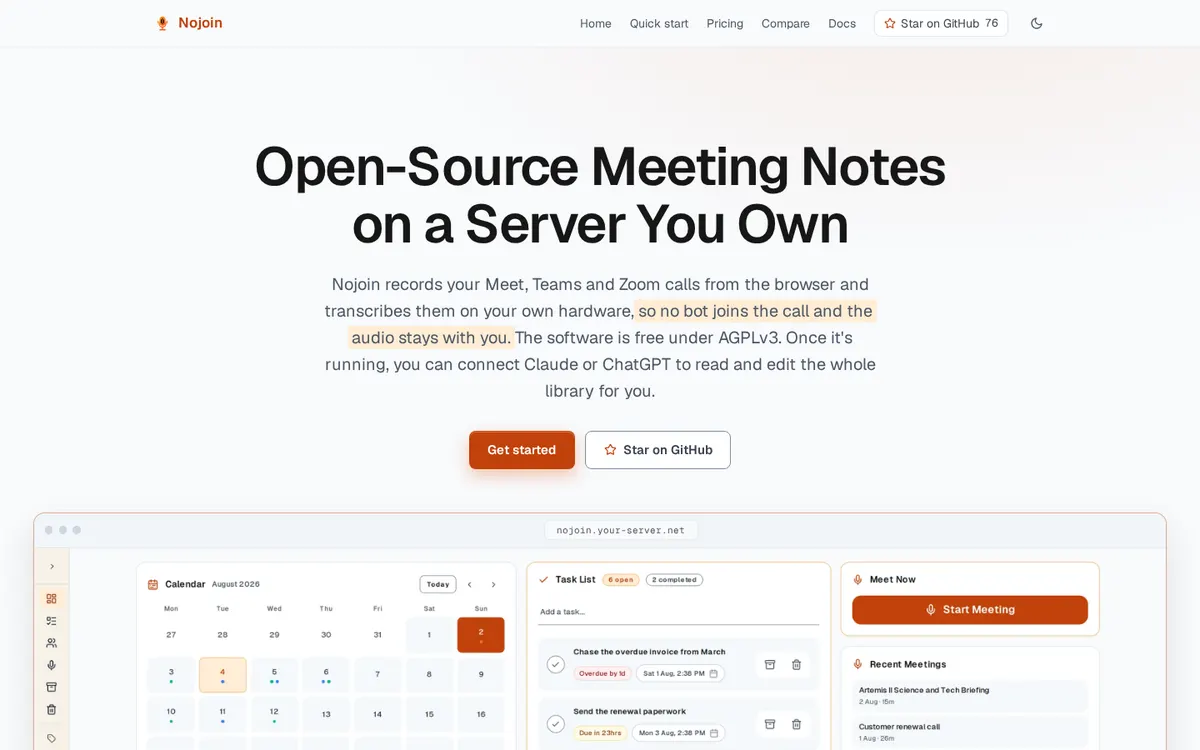
Nojoin records your Google Meet, Teams and Zoom calls from the browser and transcribes them on a server you own, so no bot joins the call and the audio stays with you. You get transcripts with speaker separation, AI meeting notes, meeting chat grounded in the transcript and your documents, live Meeting Edge guidance, analytics, calendar sync and search. Each user can route AI through their own Claude Pro/Max or ChatGPT Plus/Pro plan, connected in the setup wizard, with no API key.
Can you use your ChatGPT plan in Nojoin?
Yes. Your ChatGPT Plus or Pro plan, connected per user in Nojoin (ChatGPT device sign-in). Nojoin's own page says: "The setup wizard also lets you route AI through your own Claude or ChatGPT subscription, or leave AI unconfigured and set it up later."
How to connect your plan
Claude Pro or Max
- In Nojoin, open Settings > Your AI (or the setup wizard).
- In the Your AI subscription panel, connect Claude: open the grant link and paste back the code Anthropic shows you.
- Set routing to My own AI subscription and pick a model.
ChatGPT Plus or Pro
- In Nojoin, open Settings > Your AI (or the setup wizard).
- In the Your AI subscription panel, connect ChatGPT: open the sign-in page, enter the code shown and approve access.
- Set routing to My own AI subscription and pick a model.