CyDo
A browser control plane for running many coding agents in parallel, on your existing Claude Code or Codex subscription.
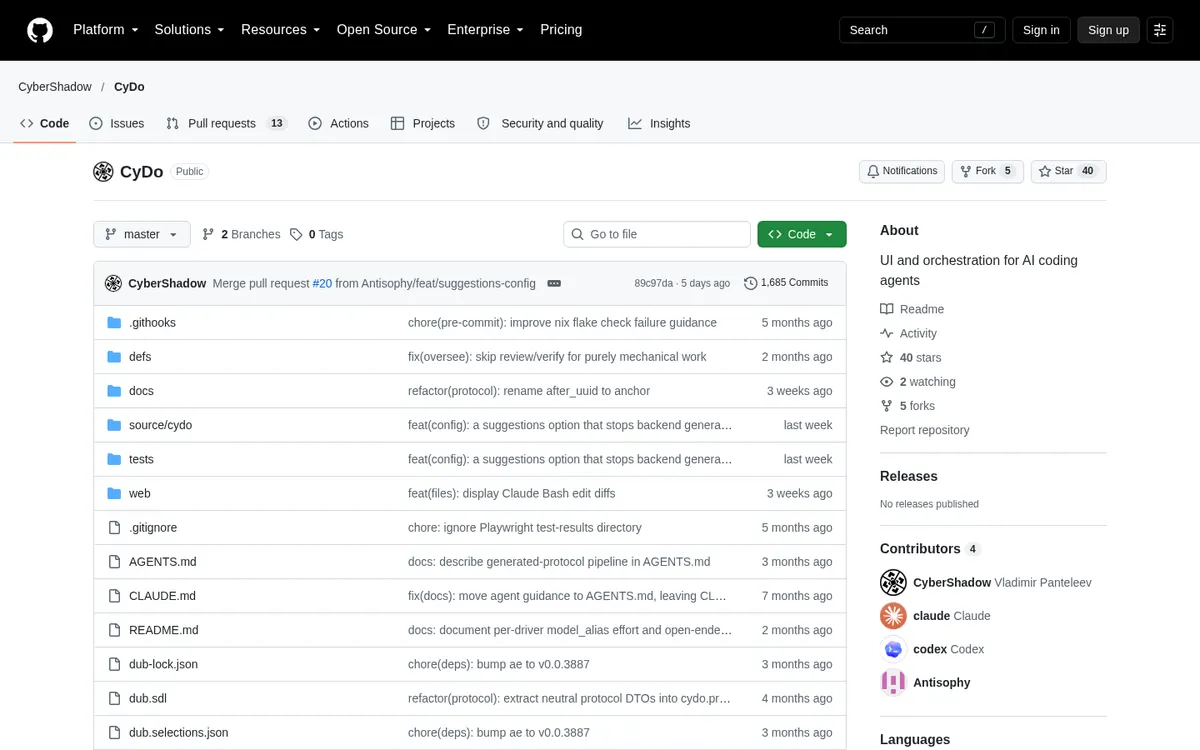
About CyDo
CyDo is a browser-based UI and orchestration layer for running several AI coding agents in parallel, with task types that define roles and how work flows between them. It wraps the official, unmodified agent CLIs instead of calling APIs, so you use your existing Claude Code, Codex or Copilot subscription as is, with no API key.
Can you use your ChatGPT plan in CyDo?
Yes. Your Codex (ChatGPT) subscription. CyDo's own page says: "No API key required — use your existing Claude Code, Codex, or Copilot subscription as-is."
How to connect your plan
Claude Pro or Max
- Install the official Claude Code CLI and sign in with your Claude plan.
- Set
default_agent: claudein~/.config/cydo/config.yaml, or pick Claude Code as the backend for a workspace or task.
ChatGPT Plus or Pro
- Install the official Codex CLI and sign in with your ChatGPT plan.
- Pick OpenAI Codex as the agent backend for a workspace or task.