cubefarm
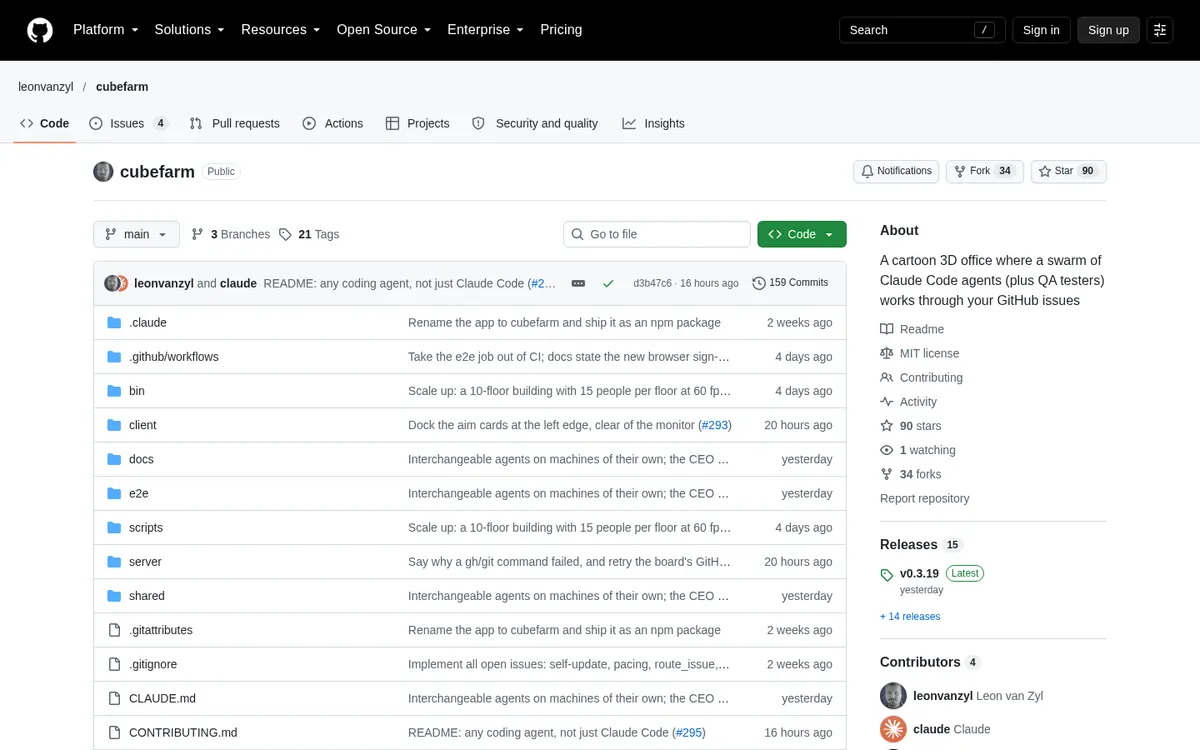
A cartoon 3D office where a team of Claude Code or Codex agents works through your GitHub issues, on your own subscriptions.
About cubefarm
cubefarm is a cartoon 3D office where a team of AI coding agents works through your GitHub issues: a CEO plans the work into issues, agents build each one on a branch, others review and test the pull request in a real browser, and the office merges what passes. Every agent is the real Claude Code, Codex or OpenCode CLI in its own terminal on your machine, with your logins, so the office runs on your own subscriptions.
Can you use your ChatGPT plan in cubefarm?
Yes. Your Codex (ChatGPT) subscription, through your own Codex login (marked experimental). cubefarm's own page says: "Run npx cubefarm login once to sign in with your Claude subscription."
How to connect your plan
Claude Pro or Max
- Install Node.js 22 or newer, git and the GitHub CLI, then run
gh auth login. - Run
npx cubefarm loginonce to sign in with your Claude subscription (Claude Code comes with cubefarm). - Run
npx cubefarm; Claude Code is the default coding agent.
ChatGPT Plus or Pro
- Install Codex yourself and sign in to it.
- Run
npx cubefarm, then set Codex as the coding agent in the manager's console → Settings (or for one agent in its Setup). - The first time, type
/hooksin a Codex agent's terminal and presstto trust the office's hooks. Codex support is marked experimental.