Ambient Context
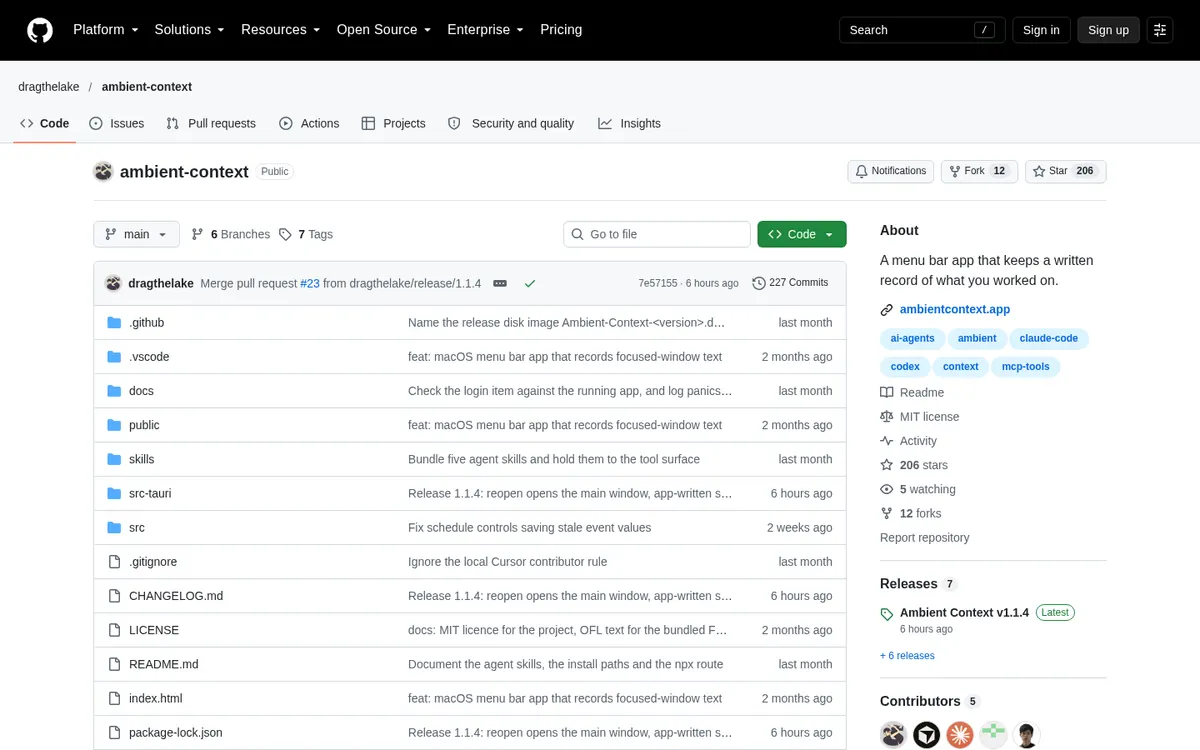
A Mac menu bar app that records what you work on and has Claude Code or Codex turn each day into notes, on your own subscription.
About Ambient Context
Ambient Context keeps a written record of what you work on during the day, in plain markdown, in a folder you own. Once a day, an agent CLI you already have (Claude Code, Codex or opencode) reads the record and writes knowledge and notes; it runs on your machine under your own subscription, and the app never makes a model call itself. The app is also an MCP server, so Claude Code, Claude Desktop, Cursor or Zed can ask about your days.
Can you use your ChatGPT plan in Ambient Context?
Yes. Your ChatGPT subscription, through Codex. Ambient Context's own page says: "Connect an agent CLI you already have (Claude Code, Codex or opencode)."
How to connect your plan
Claude Pro or Max
- Install Ambient Context (macOS 14+, Apple Silicon) and start recording.
- Have Claude Code installed and signed in, then open the Agent tab and pick Claude Code as the agent CLI.
- Set the time you want each day processed, or open a recorded day and press Process day.
ChatGPT Plus or Pro
- Install Ambient Context (macOS 14+, Apple Silicon) and start recording.
- Have Codex installed and signed in, then open the Agent tab and pick Codex as the agent CLI.
- Set the time you want each day processed, or open a recorded day and press Process day.